

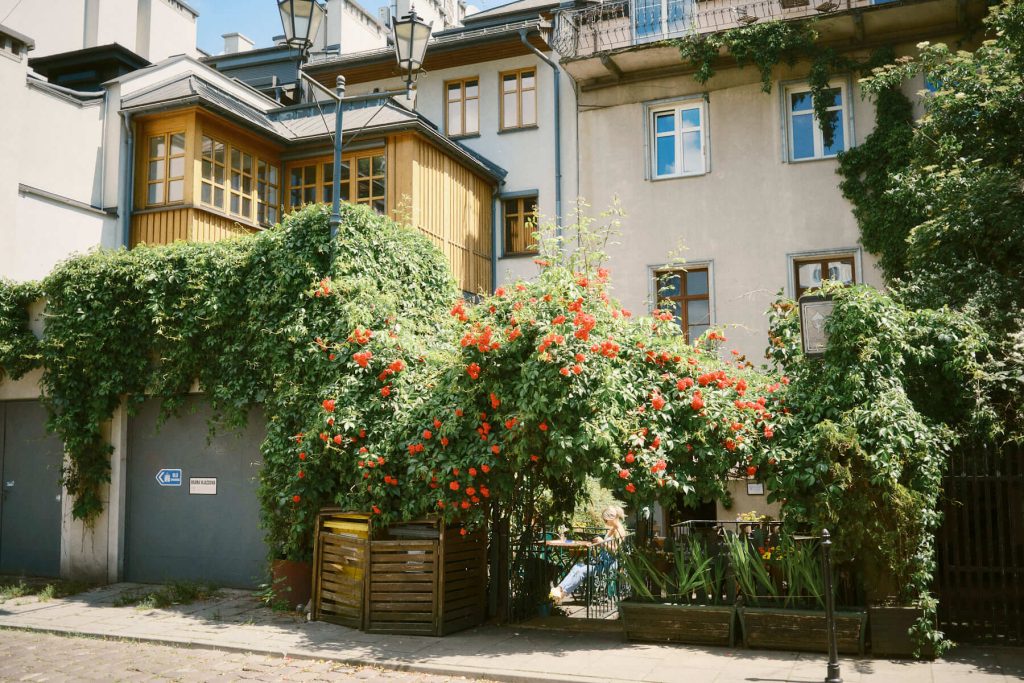
If you are dealing with Fujifilm X-T30 III overheating during everyday street shooting, you are not alone. I first took the camera out into the field in February, right after buying it. Its first real test, however, came during a business trip to Kraków in June for a conference. It fell on the Corpus Christi long weekend—a traditional Polish holiday and the first genuinely hot stretch of weather this year—making it a perfect opportunity to shoot.

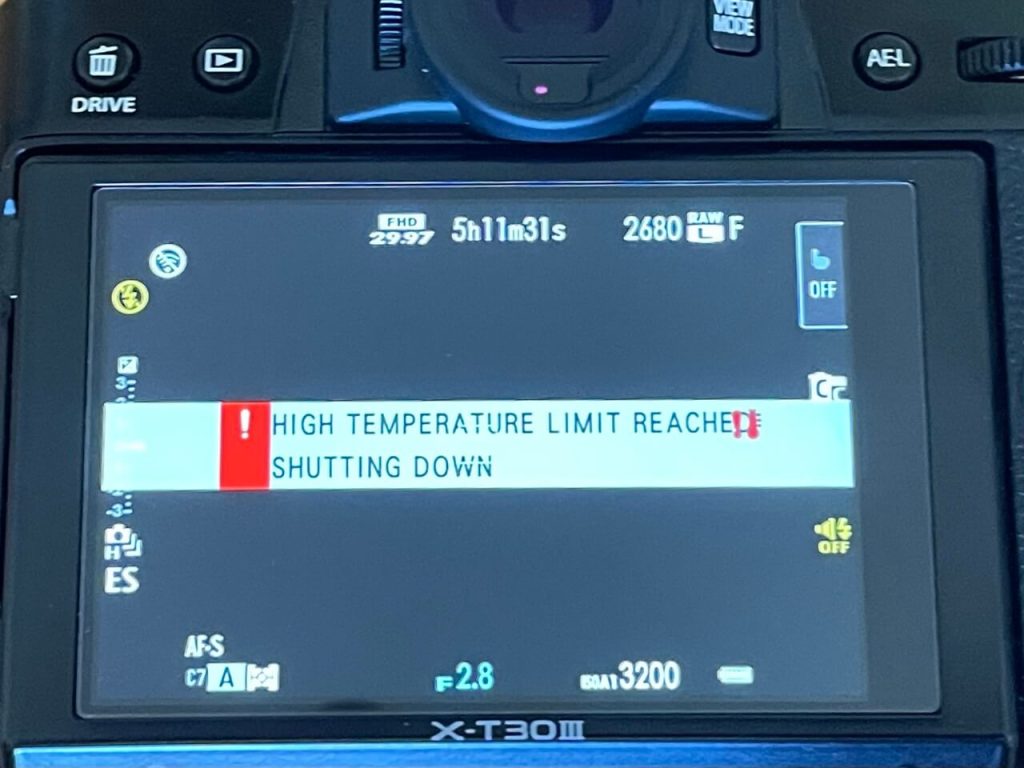
Walking around the Kazimierz district in bright sunlight, I brought the camera to my eye and saw a yellow thermal warning icon on the screen. Seconds later, it turned red. I was genuinely caught off guard and frustrated. I usually carry the body in my hand, powered on and ready to go so I don’t miss a beat on the street, but the gear just gave up.
After returning home, I started digging through forums. Most threads focused on overheating while recording 4K video, but I don’t shoot video—I exclusively do stills. Soon after, another major heatwave hit, this time during a photo walk in Warsaw. The issue returned with a vengeance, forcing constant breaks. I decided to take matters into my own hands and run a controlled thermal test.
Direct Sunlight, Frying Pans, and a Black Camera Body
Before diving into settings, it helps to understand basic physics. A black X-T30 III body lying under direct sunlight acts like a heater. It absorbs external heat regardless of whether you are hitting the shutter or just moving through the city.
Most people assume a camera only heats up when writing data to the card. That is a mistake. The X-Processor 5 works continuously just to render the live view preview. If the body sits in your hand powered on in 30°C (86°F) heat, it cooks from both the outside and the inside.
The Hard Numbers: NORMAL vs. ECONOMY Mode
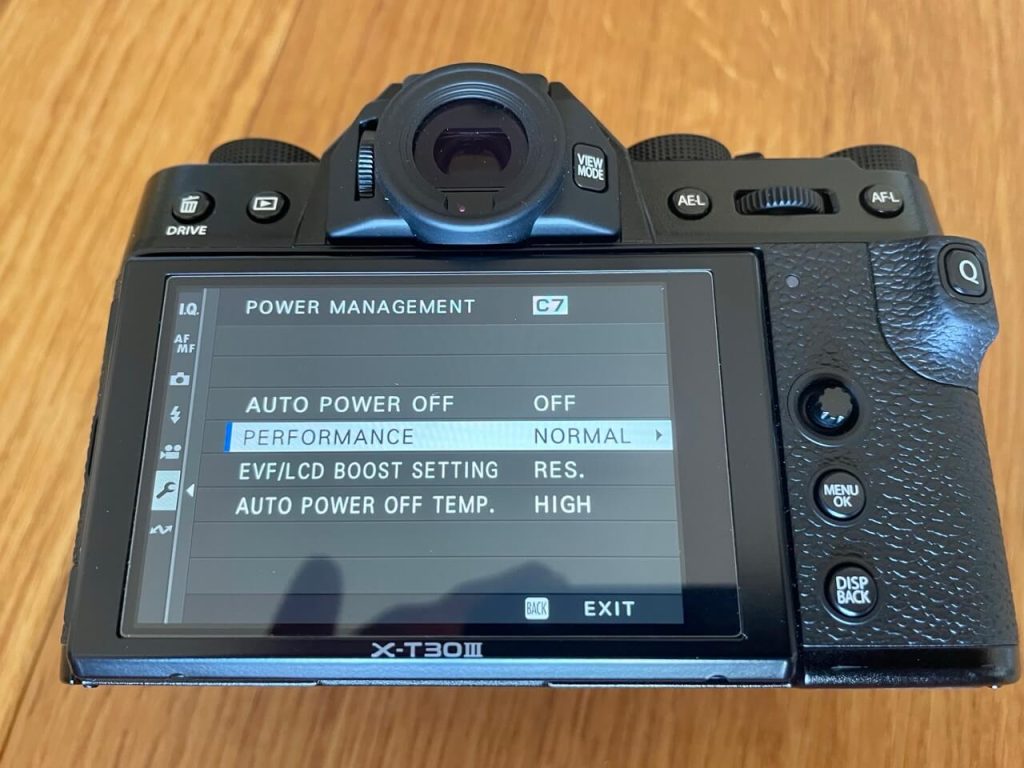
To eliminate heat transfer from my hands, I placed the camera on a cardboard box in direct sun, forcing continuous live view (no video recording). I tested two power management modes with Auto Power Off Temp fixed at STANDARD.
| Parameter / Mode | NORMAL Mode | ECONOMY Mode | Gain / Difference |
| Thermal Shutdown Time | ~17 min 40 sec | ~27 min 00 sec | + ~10 extra minutes (+56%) |
| Yellow Warning | ~16 min 30 sec | ~24–25 min (estimated) | Extended safety buffer |
| Red Warning | ~17 min 11 sec | Right before shutdown | Instant shutdown after red |
Switching to ECONOMY mode lowers the refresh rate of the LCD and EVF. This drastically cuts down internal heat generated by the processor. Gaining 10 extra minutes of continuous operation under intense sun is the difference between catching a key moment and staring at a black screen.

The Trap of “Auto Power Off Temp”
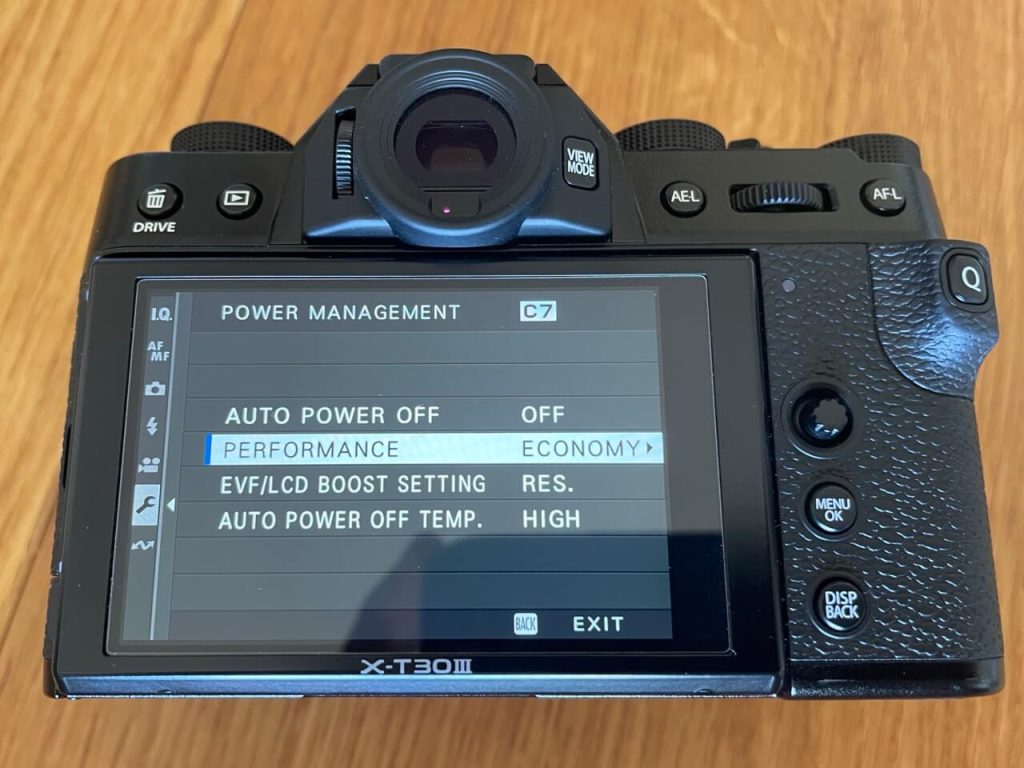
In the Fujifilm menu, you will find two thermal threshold options: STANDARD and HIGH. Photographers often switch this to HIGH by instinct, expecting it to fix the issue. It is a trap.
- HIGH Mode (Risk): The camera runs longer, but it allows the body and internal components to reach extreme temperatures. Once thermal shutdown hits, bringing the camera back to life takes up to ~6 minutes even in an air-conditioned room. On a hot city street without shade, the camera stays locked up for dozens of minutes.
- STANDARD Mode (Recommended): The camera triggers warnings earlier. A quick pause under your arm or a short walk on the shaded side of the street lets the body cool down rapidly without locking up the system entirely.
Sleep Strategy and Reaction Time
Popular guides often recommend setting Auto Power Off to 30 seconds. In street photography, this backfires. Fuji wakes up from deep sleep too slowly, making you miss split-second moments.
A much better compromise for hot days is Auto Power Off = 2 MIN paired with ECONOMY mode. The camera keeps the live view running with minimal power drain and heat output, while a simple tap on the shutter brings it back to instant readiness.
X-T30 III vs. Competition and Older Generations
Comparing this setup to the previous generation Fujifilm X-T30 Mark II was eye-opening. Shooting with the Mark II in Italy under blistering heat, I never encountered a single thermal warning. The newer X-Processor 5 in the III generation delivers higher performance, but at the cost of higher power consumption and heat generation.
Similarly, Micro 4/3 bodies like the Lumix GX85 or OM System OM-5 easily handled hours of street shooting in full sun without any thermal hiccups.
💡 Hot Weather Quick Setup
Here is a quick setup checklist to run through before heading out on a sunny day:
- Power Management:
ECONOMYMode - Auto Power Off Temp:
STANDARD(avoid HIGH!) - Auto Power Off:
2 MIN - Street Tactics: Shield the body in your shadow or tuck it under your arm between shots